Alternatives Canva
Looking for a Canva alternative for your website?
Canva lets you design a website the way you design a poster: pick a template, move blocks around, publish. Lumipage starts from a description instead. Tell the chat who you are and what the page is for, and it writes the copy, designs three versions for you and puts the one you keep on your own domain.
Free to start. No credit card.

Who this is for
For people who need one good page on their own domain.
A portfolio, a link-in-bio page, a page for a wedding or an event, a personal site, or a page for a small business or side project. If the site is one page and you’d rather describe it than lay it out, Lumipage is built for that.
If you need a site with many pages, a blog, or a site that sits next to your social posts, decks and print work in one design tool, Canva will suit you better.
Canva at a glance
A fair take on Canva.
Canva is a design tool used for social posts, presentations, documents, video and print, and websites are one of its design types. You design a site on the same canvas as everything else, then publish it.
What Canva is strong at
Free publishing: Canva Free publishes up to five live websites on a free my.canva.site address, with a “Designed with Canva” footer.
Multi-page sites: up to 45 pages per website, each with its own address.
Forms and insights: add a Canva form to collect RSVPs, sign-ups or feedback, with responses saved to Canva Sheets, and see how your site is doing in website insights.
Domains: connect a domain you own on Canva Pro or higher, or buy one inside Canva.
Everything in one place: your brand kit, photos and templates are shared between your website, social graphics, decks and print.
Canva Code: a separate design type where you describe an interactive page, such as a landing page or portfolio, and Canva generates it. You can edit it in the Canva editor and publish it as a website.
Pricing, side by side
Canva prices from Canva’s US plan guide, checked October 2026.
| Plan | Monthly | Yearly billing |
|---|---|---|
| Lumipage Publish | $4.99/mo | $39/yr |
| Canva Free | $0 | $0 |
| Canva Pro (one person) | $18/mo | $144/yr |
| Canva Business (per person) | $25/mo | $250/yr |
To connect a domain you already own to a Canva website, you need Canva Pro or higher: $144/yr in the US. Lumipage is $39/yr with custom domain support and no Lumipage branding. If you already pay for Canva Pro for design work, the website domain support comes with it. The domain itself is a separate cost on both: Lumipage connects a domain you buy from any registrar, and Canva also sells domains, priced by extension and billed yearly. Prices exclude tax and vary by country, so check canva.com/pricing for yours.
Where Lumipage wins
A site written and designed from what you tell it.
Want a Canva alternative for a one-page site? Here is where Lumipage is different.
The copy is written for you
You describe your page the way you’d explain it to a friend. Lumipage writes the headline, the sections and the buttons, and you change any line by asking in the chat.
Three designs made for you
Every new site starts with three designs made from your description. Pick one and keep refining it. Click any photo to swap it, edit its alt text or crop it, and upload up to 10 images per site (JPEG, PNG or WebP, up to 3 MB each).
Your domain on the entry plan
Connect a domain you own on the Publish plan. DNS steps are guided and HTTPS is set up for you. There’s no Lumipage branding on any plan.
Made for one page
Every Lumipage site is a single page built around one purpose: a portfolio, a bio link, an RSVP for a wedding, a booking page for a small business. Tell the chat what the page is for, including the form fields you want, and it builds the page around that.
Where Canva still wins
When Canva is the better pick.
Lumipage builds one-page sites. Canva is a full design suite. Stay on Canva if:
You want to publish for free (Lumipage is free to build and preview, and needs a plan to publish)
You need several pages or a blog
Your website is one piece of a bigger design workflow: social graphics, presentations, video or print
You work in a team with shared brand kits, comments and approvals
You want to buy your domain and build your site in the same place
You want to drag every element into place yourself
Side by side
Lumipage vs Canva.
| Lumipage | Canva | |
|---|---|---|
| Design | Three designs made from your description | Website templates or a blank canvas. Canva Code, a separate design type, generates interactive pages from a prompt |
| AI for website designs | Builds the page from a chat | Canva AI isn’t currently supported for website designs, per Canva’s help center (30 Oct 2026); Canva Code pages can be published as websites |
| How you build | Describe your page in a chat | Drag and drop in the Canva editor, or prompt Canva Code |
| Copy | Written for you, then refined in chat | You write it; Magic Write can draft text |
| Editing | Change text by asking in chat; click images to swap, edit alt text or crop | Edit everything directly in the editor |
| Pages | One page per site | Up to 45 pages per website |
| Forms | Included on every paid plan, with the fields you choose | Included: Canva Forms, with responses in Canva Sheets |
| Analytics | Included on every paid plan: visitors, pageviews, conversions | Included: website insights |
| Branding | No Lumipage branding on any plan | “Designed with Canva” footer on Free; removed on Pro |
| Free plan | Build and preview free; plan to publish | Publish up to five sites on my.canva.site |
| Domains | Connect a domain you own, bought from any registrar | Connect a domain you own on Pro or higher, or buy one in Canva (priced by extension, renews yearly) |
| Plan needed to connect your own domain | $39/yr per site | From $144/yr (Pro, US) |
Canva details from Canva’s help center, checked 30 October 2026.
Try it
From a description to a page you’d share.
Describe the page the way you’d tell a friend. Get three designs made for you. Refine the one you like in chat. Publish when you’re happy with it.
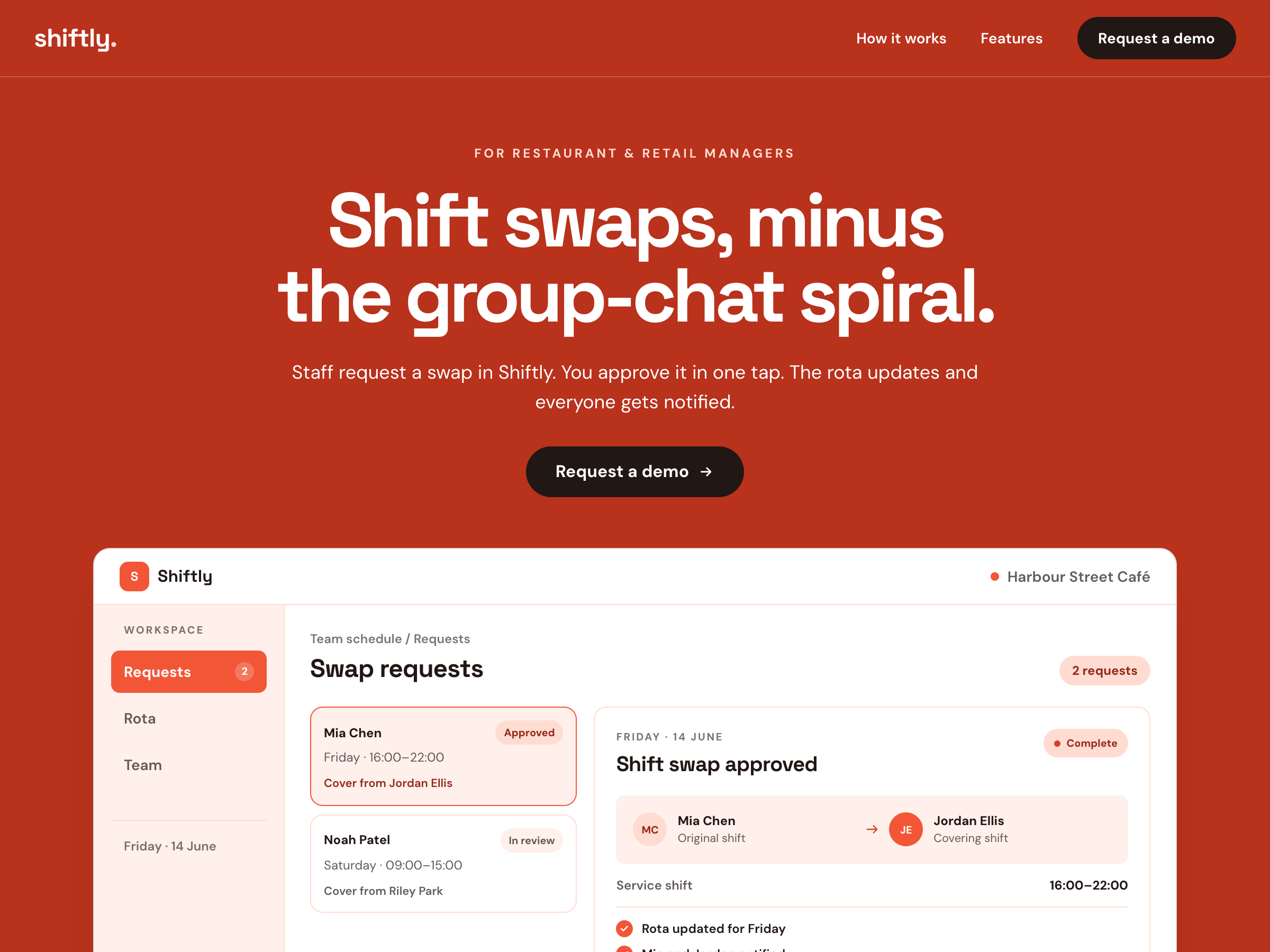
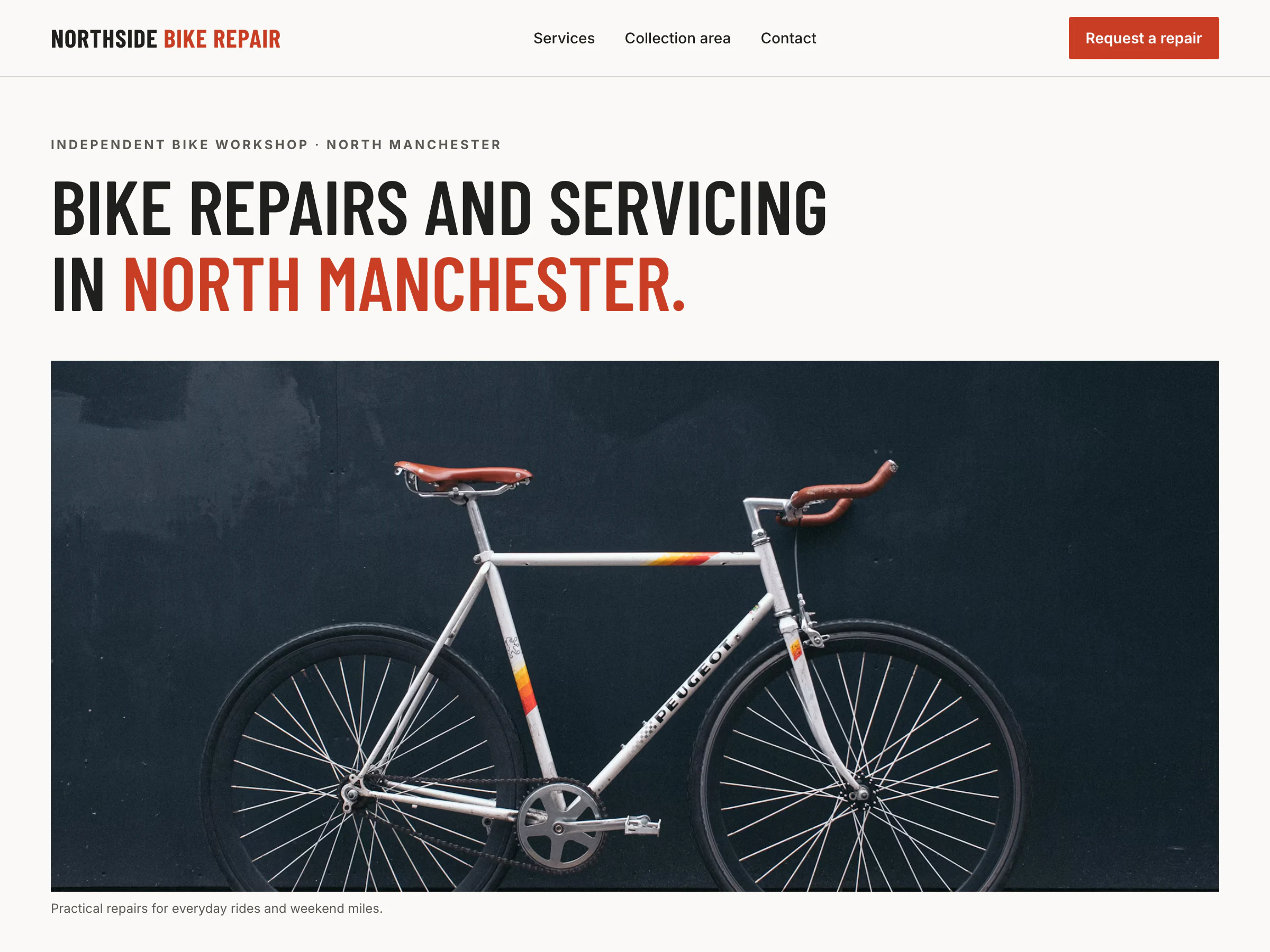
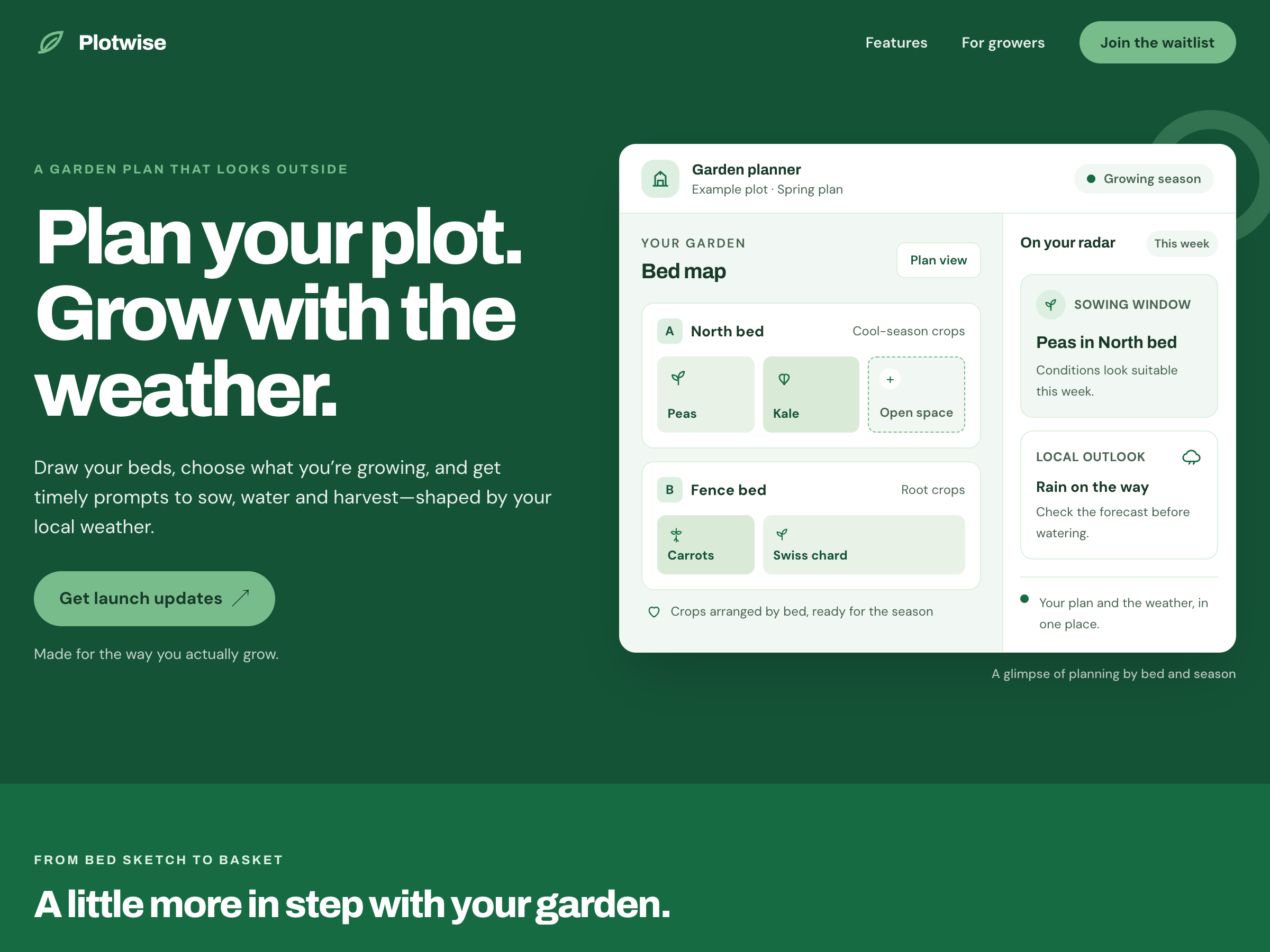
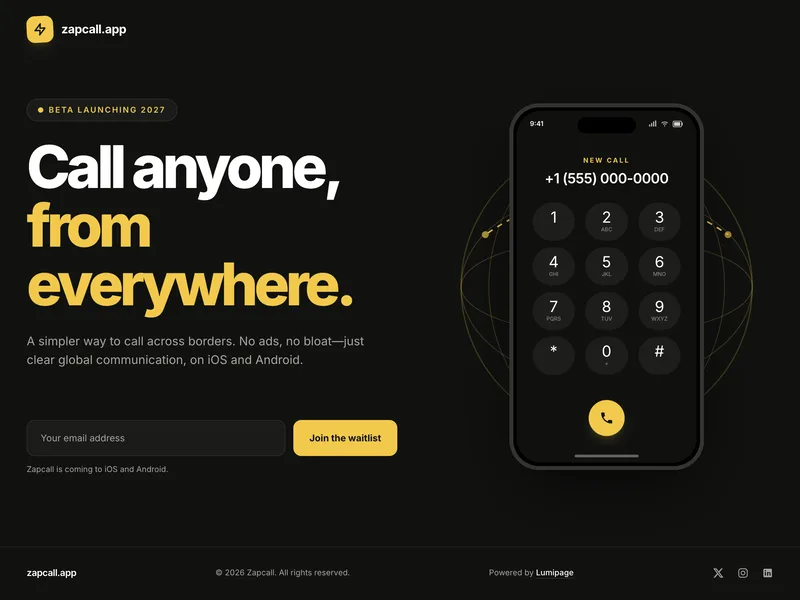
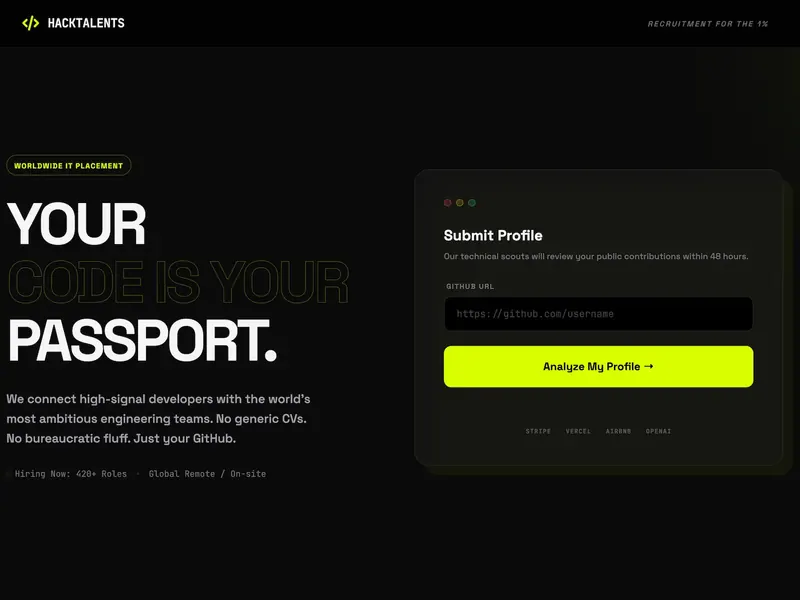
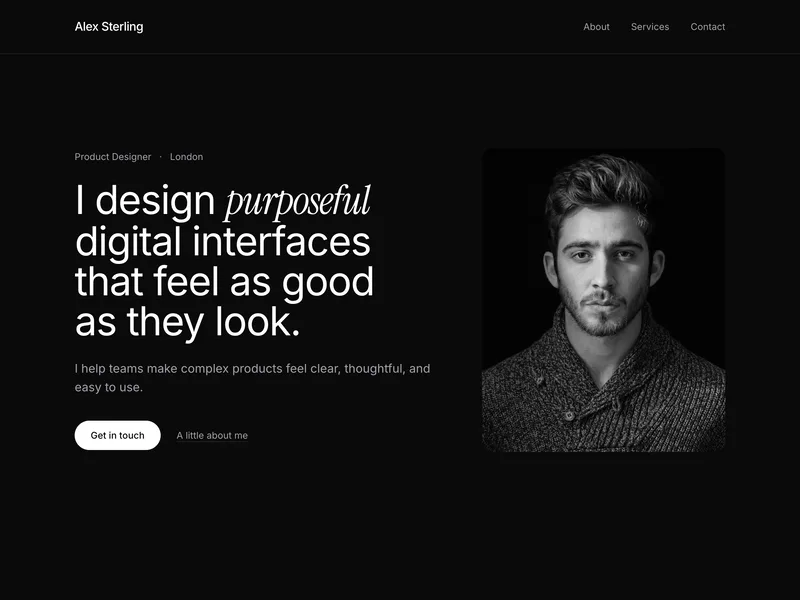
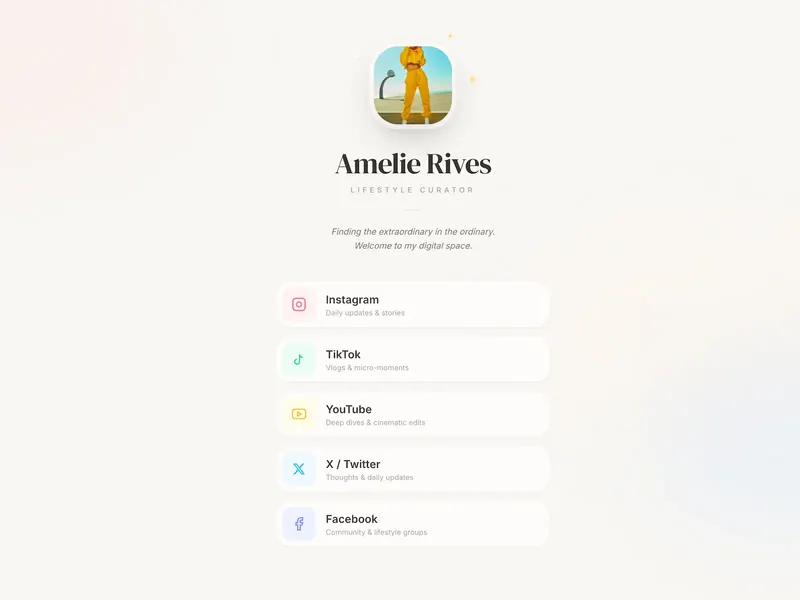
Real pages started as conversations:
Looking at other tools too? See also: Lumipage vs Wix, Lumipage vs Linktree, Lumipage vs Carrd, use cases and Lumipage pricing.
Switching
Moving from a Canva site to Lumipage.
- 1
Paste your Canva site’s address into the chat. Use your my.canva.site address (or your own domain) and say what you want to keep or change. Lumipage reads the page and builds three designs with your content.
- 2
Bring your images. Download the photos you want from Canva and upload up to 10 to your Lumipage site. Click an image to swap it, crop it or edit its alt text.
- 3
Rebuild your form. Tell the chat which fields you need, for example name, email, date and guest count for an RSVP.
- 4
Point your domain. If you bought your domain from another registrar, update its DNS records to the ones Lumipage shows you. If you bought it through Canva, Canva lets you edit its DNS records, or transfer it to another registrar after 60 days.
- 5
Unpublish the Canva version once the new page is live, so visitors don’t find two copies.
Questions
Canva alternative questions, answered.
Still curious about something? Start building for free and see it for yourself.
For websites, yes, if you need one page that’s written and designed for you, on your own domain. For social graphics, presentations, video or print, no. Lumipage only builds websites.
Yes. Connecting a domain you already own needs Canva Pro, Teams, Business or Education, according to Canva’s help center (30 October 2026). You can also buy a domain inside Canva. Prices vary by extension, and the domain renews every year. Without a domain, Canva publishes your site for free on a my.canva.site address.
Canva Free costs nothing, and Lumipage needs a plan to publish. To connect a domain you own, Lumipage is $4.99/month or $39/year per site, and Canva Pro is $18/month or $144/year in the US. Canva Pro also includes Canva’s design tools. The domain is a separate cost with either one. Lumipage prices exclude VAT and come with a 14-day refund.
As of 30 October 2026, Canva’s help center lists website designs among the content types Canva AI doesn’t currently support. Canva Code is a separate design type: describe an interactive page, such as a landing page or portfolio, and it generates one you can edit and publish as a website. Lumipage builds a one-page site from a description, writes the copy and makes three designs for you.
Yes. Paste your Canva site’s address into the chat and say what to keep or change. Lumipage reads the page and builds a new design with your content. Upload your images, then point your domain at Lumipage when you’re ready.
No. Each Lumipage site is one page. If you need several pages or a blog, Canva or Wix will fit better.
Yes. Portfolios, link-in-bio pages, personal sites, event and wedding pages and small business pages are all one-page sites. See our use cases for examples.
Your website, published from a chat.
Describe your page, get three designs made for you and keep refining it after it’s live.
Start building for freeFree to start · No credit card · Publish from $39/year
Lumipage is not affiliated with, endorsed by or sponsored by Canva. Canva is a trademark of its owner, used here only to describe and compare products. Canva details checked on canva.com on 30 October 2026.